
To create your own AI dominatrix, you pick a platform that supports custom characters, define her tone, speech style, specialties and look, then set your hard limits and a safe word before the first scene. After that, a few short test sessions show whether she sounds and behaves the way you pictured. The whole build takes under an hour; getting her to feel like yours takes a week or two of regular sessions.
On Mistrix, building your own custom AI Domina is part of Premium (15 EUR/month). Before paying, you can try every preset character on the free tier, which is not a trial and needs no card: one full session per day, with your limits, safe word and PIN encryption already in place.
Key Takeaways
A custom AI Domina built on consent-first design, client-side encryption, and persistent memory delivers a meaningfully different experience than a generic chatbot with a persona prompt.
| Point | Details |
|---|---|
| Consent is structural | Hard limits and a safeword must be set during onboarding, not added later as optional settings. |
| Privacy requires encryption | Client-side PIN encryption means the server cannot access your session data, not just that it promises not to. |
| Customization depth matters | Tone and speech style shape perceived dominance more reliably than intensity alone. |
| Test before you subscribe | Run three focused demo sessions covering tone, intensity, and limit enforcement before upgrading. |
| Try presets first | On Mistrix, test preset Dominas on the free tier before building your own on Premium. |
Table of Contents
- What does a custom AI Domina actually include?
- What can you actually customize in a custom AI Domina?
- How does onboarding build and remember your Domina?
- Consent, safety controls, and legal basics you need to know
- What privacy and security practices should you verify?
- How does pricing work, and what does each tier include?
- Practical tips and prompts to get good results fast
- Creating your own AI dominatrix on Mistrix
- FAQ
What does a custom AI Domina actually include?
A custom AI Domina is a persistent, AI-driven persona built around your specific preferences, limits, and dynamic. “Custom” means more than a name and a photo. It covers the full architecture of the relationship: how she speaks, what she demands, what she remembers, and how the dynamic shifts as you progress.
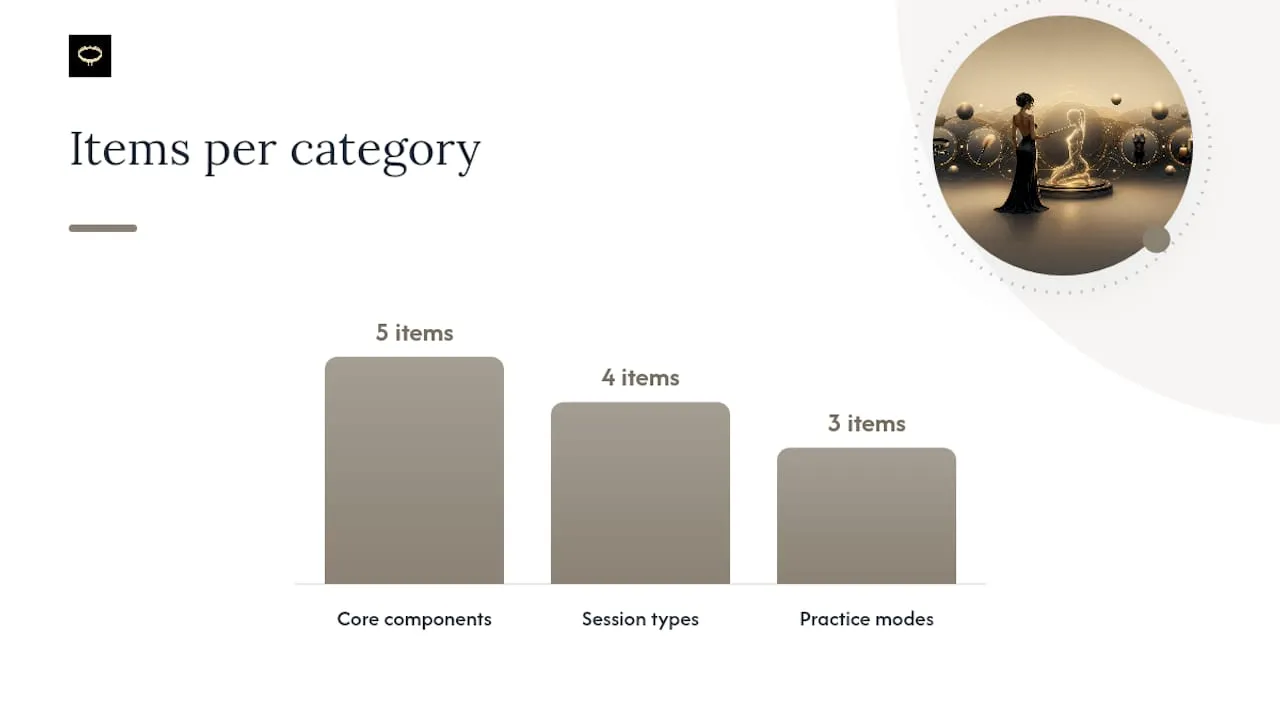
The core components look like this:
- Persona profile: name, backstory, dominant archetype, and emotional register
- Tone and intensity: from warm and guiding to strict and ceremonial, on a defined scale
- Persistent memory and progression: session history, your level, and her mood, all carried forward
- Session types: open chat, structured task assignments, ritual check-ins, and scene play
- Visuals and media: AI-generated portraits and scene imagery tied to the persona
In practice, that plays out three ways. You might use a custom Domina for solo roleplay, dropping into a scene whenever you want. You might set up daily ritual tasks she assigns and grades. Or you might pursue a long-term training arc where your level rises as you prove yourself over weeks.
What can you actually customize in a custom AI Domina?
The customization dimensions that matter most are tone, speech style, intensity, specialties, visual portrait, and assigned rituals. Each one shapes a different layer of the experience.
- Tone: the overall emotional register (strict, nurturing, detached, playful)
- Speech style: formal commands, clipped directives, or flowing prose
- Intensity scale: typically a 1-5 range from light guidance to demanding control
- Specialties and fetishes: the specific dynamics she engages with (bondage, discipline, findom, gentle femdom, and others)
- Visual portrait: AI-generated imagery that anchors the persona visually
- Rituals and tasks: recurring assignments she proposes, tracks, and grades
Three rough persona templates illustrate how these settings combine (if you are stuck on what to call her, see our list of AI domme names). A strict commander runs high intensity, clipped speech, and formal address, best for users who want clear structure and accountability. A warm guide sits at mid-intensity with nurturing tone, better for those who want emotional closeness alongside control. A ceremonial mistress uses elaborate ritual language and low-frequency, high-impact sessions for users drawn to protocol and formality.
Pro Tip: Tone and speech style are the two settings that most reliably shift perceived dominance. Intensity alone won’t make a persona feel authoritative if the speech style is casual. Nail those two first, then adjust intensity to taste.
How does onboarding build and remember your Domina?
The guided onboarding flow at Mistrix (for adults 18+) takes about 10 minutes and moves through a defined sequence before you reach a live session:
- Account: email and password
- Starting Domina: pick a preset to begin with
- Level-assessment quiz: places you on a 10-step scale from Novice to Master
- Fetish-interest mapping: you select the dynamics and specialties that interest you
- Hard limits: you define what is absolutely off the table, permanently
- Safe word: an always-visible button that ends any session instantly
- PIN: the key that encrypts your fetish map, limits and chats on your device
With Premium you then build your own Domina: name, look, tone, speech style and specialties. When evaluating any platform, check that the consent steps (limits and safe word) come before the first scene. A platform that skips them is not consent-first by design.
After onboarding, persistent memory means your Domina retains session history and adjusts her mood based on how you do. At the end of each session she reviews your performance, and that verdict moves your level over time. Premium Plus lets you keep up to three personal Dominas.
Consent, safety controls, and legal basics you need to know
Responsible platforms enforce consent at the architecture level, not just in the terms of service. The minimum features to verify before trusting any platform with this kind of interaction:
- Mandatory hard limits: set during onboarding, enforced on every AI generation
- Safeword mechanism: a single input that stops any session immediately
- Undo and stop controls: accessible mid-session without navigating away
- Opt-out for media submissions: you control whether session photos or uploads are stored
During your trial, run a quick safety check: confirm age verification happened at signup, check whether session logs are accessible and deletable, and test the safeword to confirm it actually interrupts the session. Mistrix’s consent-first ritual guides demonstrate how these controls integrate into structured scene play rather than sitting as unused settings.
Legal note: all adult AI services in the United States require users to be 18 or older. Content availability may vary by jurisdiction. Confirm the platform’s terms cover your location before subscribing.
What privacy and security practices should you verify?
Privacy claims in adult apps range from meaningful to marketing copy. The technical checklist worth verifying:
- Client-side encryption: your sensitive data is encrypted before it leaves your device; the server holds only the encrypted version
- No server-side access to personal content: the platform is structurally unable to read your session data
- Media deletion controls: you can delete uploaded photos or generated images on demand
- Clear data retention policy: the platform states how long session data is kept and under what conditions
Mistrix encrypts your fetish map, hard limits, inventory, safe word and chats on your device with a key derived from your PIN, so the server stores only ciphertext. That’s a structural privacy guarantee, not a policy promise, with one trade-off: if you forget the PIN, that data cannot be recovered by anyone.
Pro Tip: During onboarding, pay attention to what the platform asks for before you set a PIN or password. A platform that collects detailed personal data before offering any encryption controls is telling you something about its actual privacy priorities.
How does pricing work, and what does each tier include?
Mistrix runs three tiers. Here’s what each one covers:
| Tier | Price | Custom Domina | What else you get |
|---|---|---|---|
| Free | 0 EUR, no card | No (all presets, incl. Doms and trans Dominas) | One full session per day, chat, photo reactions, daily AI Studio allowance |
| Premium | 15 EUR/month | One custom Domina | Unlimited sessions, all specialized Dominas, moods, routines and findom in chat, higher limits |
| Premium Plus | 25 EUR/month | Up to 3 personal Dominas | Higher-quality session images, session PDF export, top daily image and routine limits |
A few billing points worth knowing before you subscribe: the Free tier has no time limit, so you can test the onboarding flow and preset Dominas at your own pace. Premium and Premium Plus are monthly subscriptions billed via Stripe with a neutral descriptor; you can cancel in two taps and the plan runs to the end of the period. See the full breakdown on the Mistrix pricing page.
Practical tips and prompts to get good results fast
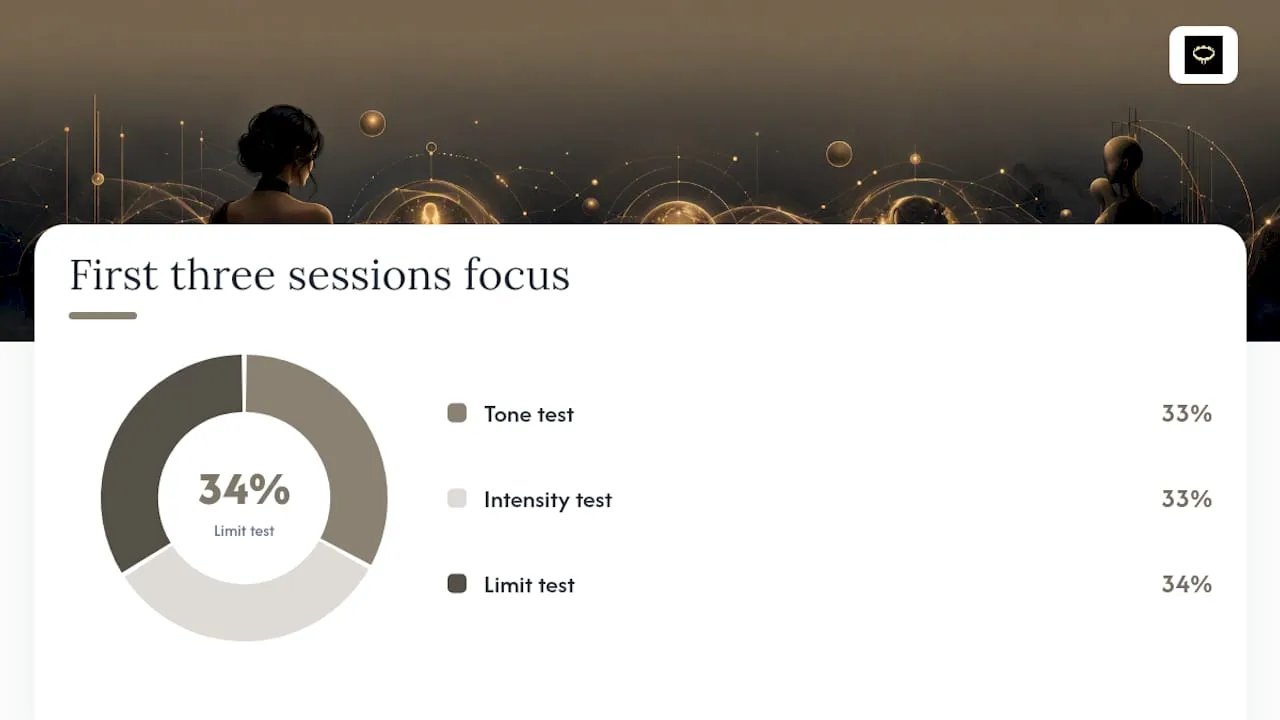
Short, focused demo sessions outperform long exploratory ones when you’re testing a new persona. Structure your first three sessions around single variables.
- Tone test: ask the Domina to give you a simple directive and evaluate whether the speech style matches what you configured
- Intensity test: request a task at your chosen intensity level and check whether the response feels calibrated
- Limit test: approach a boundary topic and confirm the hard limit holds without the session breaking down
For dos and don’ts during initial setup:
- Do set your hard limits conservatively at first. You can loosen them later; you can’t un-share what you’ve already disclosed.
- Do use the safeword deliberately in your first session to confirm it works.
- Don’t skip the fetish-interest mapping step. It’s what trains the persona’s specialties.
- Don’t judge a persona on the first response. Tone stabilizes after two or three exchanges.
Public Prompts publish ready-made Domina persona templates that instruct the model to speak calmly, keep responses short, and guide with clear directives. These are useful for testing tone before you commit to a full custom build. For session ideas and scene templates, the AI fantasy roleplay guide at Mistrix covers structured scenarios you can adapt immediately.
Creating your own AI dominatrix on Mistrix
Mistrix combines everything this guide covers into one platform. Onboarding maps your fetish interests, sets your hard limits and safe word, and places you on the experience scale before your first session. Your sensitive data is encrypted on your device with a PIN-derived key. Her end-of-session verdicts and her mood turn each interaction into part of an evolving relationship rather than a one-off chat. For more on shaping her voice once she exists, see our guide to customizing an AI personality.
On the creative side, the built-in AI Studio generates portraits and scenes tied to your Domina. Structured tasks, rituals, and daily routines are assigned, reviewed, and tracked across sessions, and she reacts to photos you send on every plan. Premium adds your own custom Domina; Premium Plus adds up to three personal Dominas, higher-quality session images and session PDF export.
Browse the Domina personas to see preset options, or create a free account and take the onboarding quiz to build your own.
FAQ
What is a custom AI Domina?
A custom AI Domina is a persistent, AI-driven persona configured to your specific tone, intensity, fetish interests, and hard limits. Unlike a generic chatbot, she retains session memory and evolves the dynamic over time.
Is Mistrix safe and private for adult use?
Mistrix uses client-side PIN encryption so the server cannot access your session data, and enforces mandatory hard limits and a safeword on every interaction. All users must be 18 or older.
What does the free tier let you test?
The Mistrix free tier gives you all preset Dominas, one full session per day, and the full onboarding flow, including the quiz, fetish-interest mapping, hard limits, and safe word setup, with no credit card required. Building your own custom Domina needs Premium.
How do hard limits work in practice?
Hard limits are set during onboarding and applied as constraints on every AI generation. The safeword overrides any session immediately, regardless of where you are in an interaction.
Can you have more than one custom Domina?
Yes. Mistrix Premium includes one custom Domina, and Premium Plus lets you keep up to three personal Dominas.