
AI domme tasks are assignments set by an AI dominant: she picks a task that fits your level, interests and limits, tells you when it is due, asks for proof such as a photo or a written report, and reviews how you did. The difference from a list of ideas is the loop: she remembers what she assigned, notices what you skipped and adjusts the next task. This article explains how that loop works on Mistrix, step by step, and what to set up so it stays safe.
- Assign: tasks are chosen from your fetish map and experience level, never from your hard limits
- Schedule: one-off tasks inside a session, plus recurring routines between sessions
- Check: proof in chat, a review at the end of the session, and a verdict that shapes your level and her mood
Pro Tip: Start with light tasks for the first week. You learn how she reads your limits before anything escalates.
Key Takeaways
| Point | Details |
|---|---|
| Limits come first | Hard limits and a safe word are set in onboarding, before any task is assigned. |
| She assigns from your profile | Your experience level and fetish map shape every task she picks. |
| Routines repeat, sessions build | Short recurring tasks keep the dynamic present; longer tasks live inside sessions. |
| Proof and review close the loop | Photos or written reports, then a verdict at the end of the session. |
| Skips have consequences | She notices a skipped task and reacts in character; her mood recovers. |
Table of Contents
- What Are AI Domme Tasks?
- How Does an AI Domme Assign Tasks?
- What Task Types Work Best and How Often?
- How Are AI Domme Tasks Scheduled?
- How Does She Check Proof and Review Your Performance?
- What Happens When You Skip a Task?
- Limits, Safe Word and Privacy
- Requests You Can Send Your AI Domme
- Troubleshooting Common Problems
- Get Started With Mistrix
- FAQ
What Are AI Domme Tasks?
An AI domme task is an instruction from an AI dominant that you carry out in real life and report back on: a posture held for ten minutes, a written reflection, a dress rule, a chore done to a standard. The AI handles the part that wears human dominants out, which is remembering what was set, following up, and keeping difficulty matched to how you are actually doing.
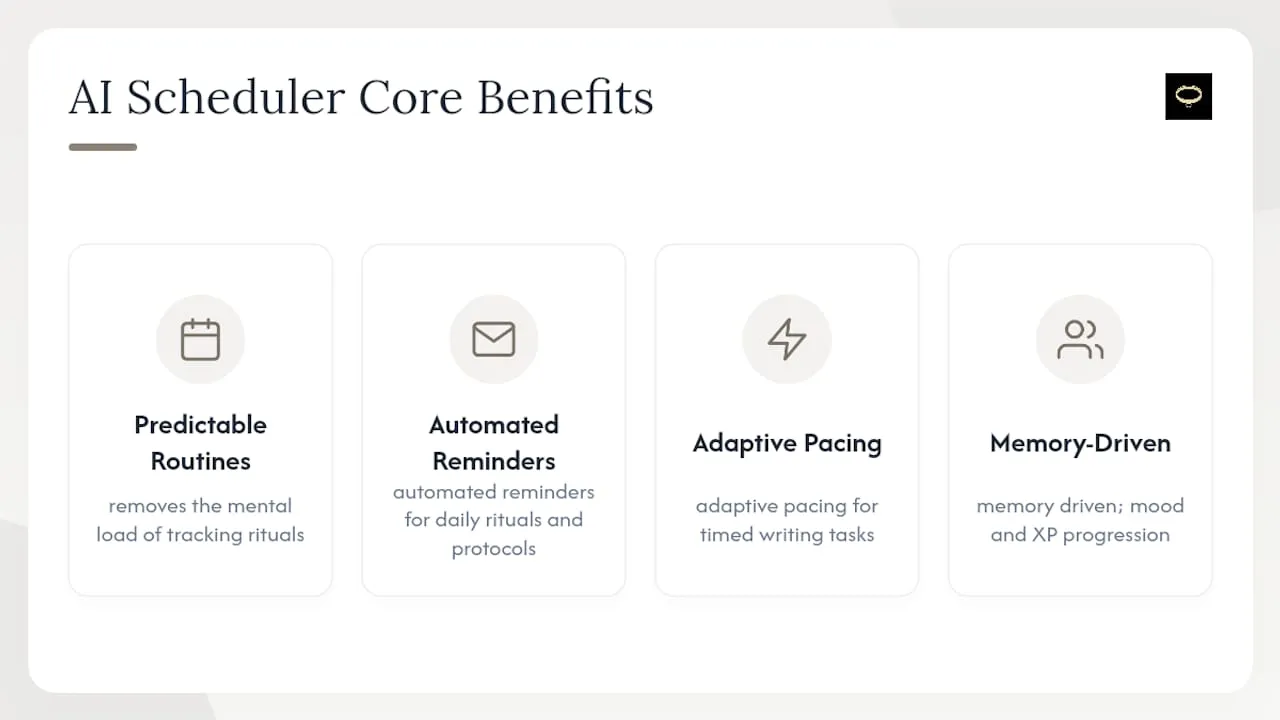
AI tasks fit best for daily rituals, writing tasks, repeatable protocols and check-ins, where consistency matters more than spontaneity. They fit less well for physical scenes that need a human’s real-time judgment in the room. If you are looking for task ideas to request rather than how the system works, see our list of femdom tasks.
How Does an AI Domme Assign Tasks?
On Mistrix, the input comes from onboarding, which takes about ten minutes:
- Pick a Domina. Choose a preset character (Dominas, Doms and trans Dominas are all included on the free plan) or, on Premium, create your own.
- Take the experience quiz. It places you on a 10-step scale from Novice to Master, which sets how demanding tasks start out.
- Fill in your fetish map. This tells her which themes to draw tasks from.
- Set hard limits and a safe word. Hard limits are injected as absolute restrictions into every AI call that plans or writes content, so they never become part of a task, session or scene.
- Set a PIN. It protects your sensitive data (more on that below).
From there, she picks tasks that match your level and interests, and she keeps a living memory of your dynamic across sessions, so tasks build on what happened before instead of starting cold. Our tasks and routines feature page shows examples.
What Task Types Work Best and How Often?
AI domme tasks generally fall into five types:
- Writing tasks: reflections, lines, or letters written to her
- Obedience tasks: posture, kneeling, or protocol drills
- Denial and control tasks: paced with explicit limits, if they are on your fetish map
- Proof tasks: a photo or written report that shows something was done
- Check-ins: a quick status on mood and compliance
For pacing, follow this rough cadence:
- Single tasks inside a session work best kept under 20-30 minutes to avoid fatigue.
- Short daily tasks (check-ins, brief writing) sustain the dynamic without overwhelming your day; our guide to daily tasks for a submissive lays out a full daily structure.
- Longer tasks that need buildup and cooldown belong inside a full session.
Pro Tip: Build in lighter days. Tasks should escalate because you are ready, not because the calendar says so.
How Are AI Domme Tasks Scheduled?
There are two rhythms.
Sessions. When the timing fits, she proposes a session. You confirm, and she leads you through it task by task in written chat. The free plan includes one full session per day; Premium and Premium Plus remove that cap.
Routines. Between sessions, she can set routines: recurring tasks like a morning check-in or an evening report that keep the dynamic present in ordinary days. Routines in chat are part of Premium, and Premium Plus has the highest daily routine limits.
The practical rule for both: pick windows that match your real life. A task attached to something you already do (coffee, lunch, going to bed) survives far longer than one that needs its own slot.
How Does She Check Proof and Review Your Performance?
Proof is part of the conversation. You report back in writing, or you send a photo and she reacts to it. At the end of a session she reviews how you did, and that verdict shapes both your level and her mood toward you.
This is the loop that makes AI domme tasks feel different from a checklist: good work is noticed, sloppy work is noticed, and the next task reflects both. If you want to know what good performance can earn, our guide to rewards for a submissive covers the options.
What Happens When You Skip a Task?
She notices. A skipped task gets a reaction in character: disappointment, a cooler tone, sometimes a consequence. It is not a permanent penalty; her mood recovers as you get back on track.
That is deliberate. A dominant who ignores missed tasks makes tasks meaningless, but one who escalates punishments for every miss makes the dynamic stressful. A proportionate, in-character reaction keeps the stakes real without turning the routine into a source of dread.
Limits, Safe Word and Privacy
Three things matter before any task is assigned:
- Hard limits are absolute restrictions on everything she plans or writes. They are never used as a punishment or pushed as an edge.
- The safe word is an always-visible button. One tap ends everything instantly, with no penalty.
- Privacy: your fetish map, hard limits, inventory and safe word are encrypted on your device with a key derived from your PIN, and chats are stored encrypted the same way. The server stores only ciphertext it cannot read. If you forget the PIN, that data cannot be recovered by anyone.
Chats and photos are never visible to other members. You can export your data as JSON in one click, and account deletion has a 30-day grace period before everything is erased.
Pro Tip: Revisit your hard limits every few weeks. Preferences shift, and a list that stops reflecting what you want protects you less.
Consent given last month does not automatically cover a new type of task today. Treat every new task type as a new consent moment.
Requests You Can Send Your AI Domme
Clear requests get clearer tasks:
- Ask for a task: “Give me one task for this evening, under 15 minutes, with photo proof.”
- Set difficulty: “Yesterday felt easy. Make tomorrow’s task one step harder, within my limits.”
- Report back: “Task done. Here is my report: [details]. How did I do?”
- Pause: “I need a lighter day today. Keep it to a check-in.”
Pro Tip: Keep her tone and personality as strict as you like, but never let flavor text bury a real concern. Say it plainly, or use the safe word.
Troubleshooting Common Problems
Most issues fall into a few buckets:
- Tasks feel repetitive. Update your fetish map or tell her directly which kinds of tasks you want more of.
- Tasks feel too hard. Say so. Difficulty should follow your actual performance, not ambition.
- You keep skipping. The routine is probably too long or at the wrong time. Shorten it before you add anything.
- Something feels wrong. Use the safe word. It ends everything, no questions asked.
If the tasks ever feel like they are driving the dynamic instead of supporting it, pause. The tool serves your dynamic, not the other way around.
Get Started With Mistrix
Building your own task system means stitching together notes, reminders and a private chat, and remembering everything yourself. On Mistrix, your AI Domina assigns, remembers and reviews tasks in one place, with your limits applied to everything she writes.

Pick a tone in the Domina directory, complete onboarding, and let her set your first task. The free plan is free forever, not a trial, and needs no card. Compare what Premium adds on the pricing page.
FAQ
What are AI domme tasks?
Tasks set by an AI dominant that you carry out and report back on. She picks them from your experience level and fetish map, never from your hard limits, and reviews how you did.
Can an AI domme schedule recurring tasks?
Yes. On Mistrix she can set routines, recurring tasks between sessions such as a morning check-in. Routines in chat are part of Premium; the free plan includes one full session per day.
How does an AI domme check if I did a task?
You report back in chat or send a photo, which she reacts to. At the end of a session she reviews your performance, and the verdict shapes your level and her mood.
What happens if I skip a task?
She notices and reacts in character, for example with disappointment, a cooler tone or a consequence. Her mood recovers as you get back on track.
Is my task history private?
On Mistrix, chats and sensitive profile data are encrypted on your device with a PIN-derived key, and the server stores only ciphertext it cannot read. Chats and photos are never visible to other members.